Free Offline Document Scanner for Windows
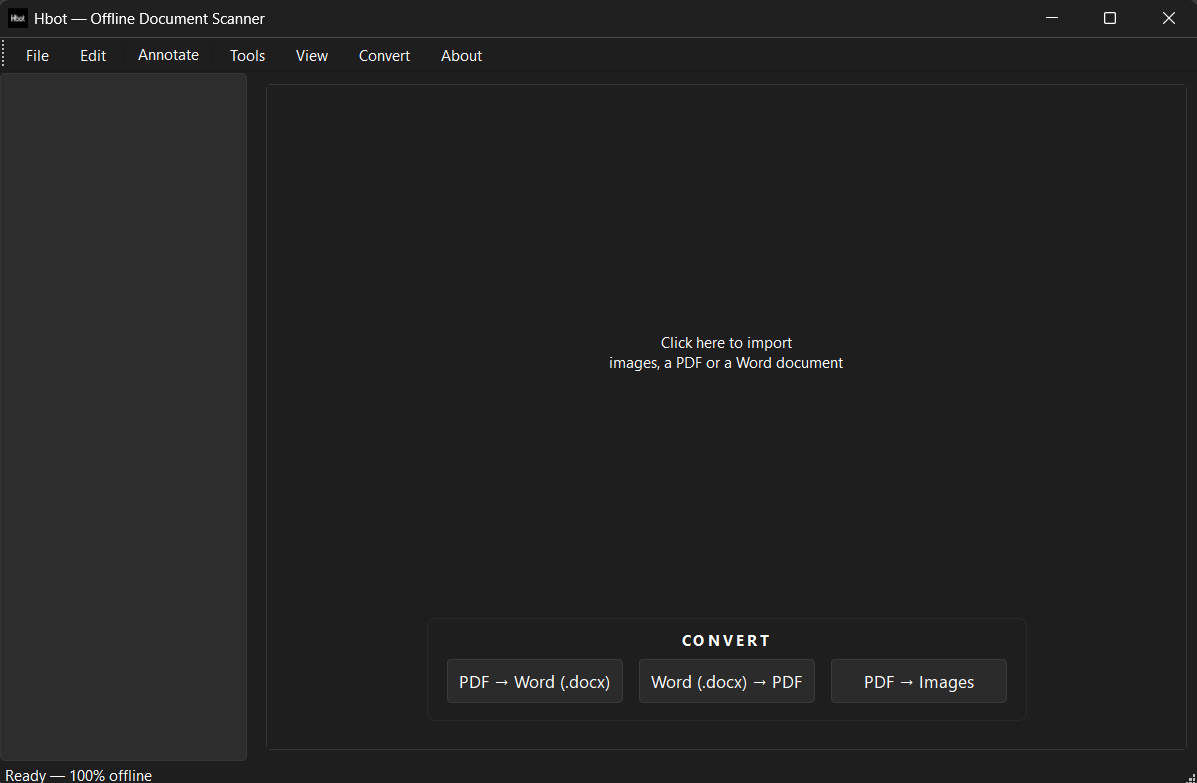
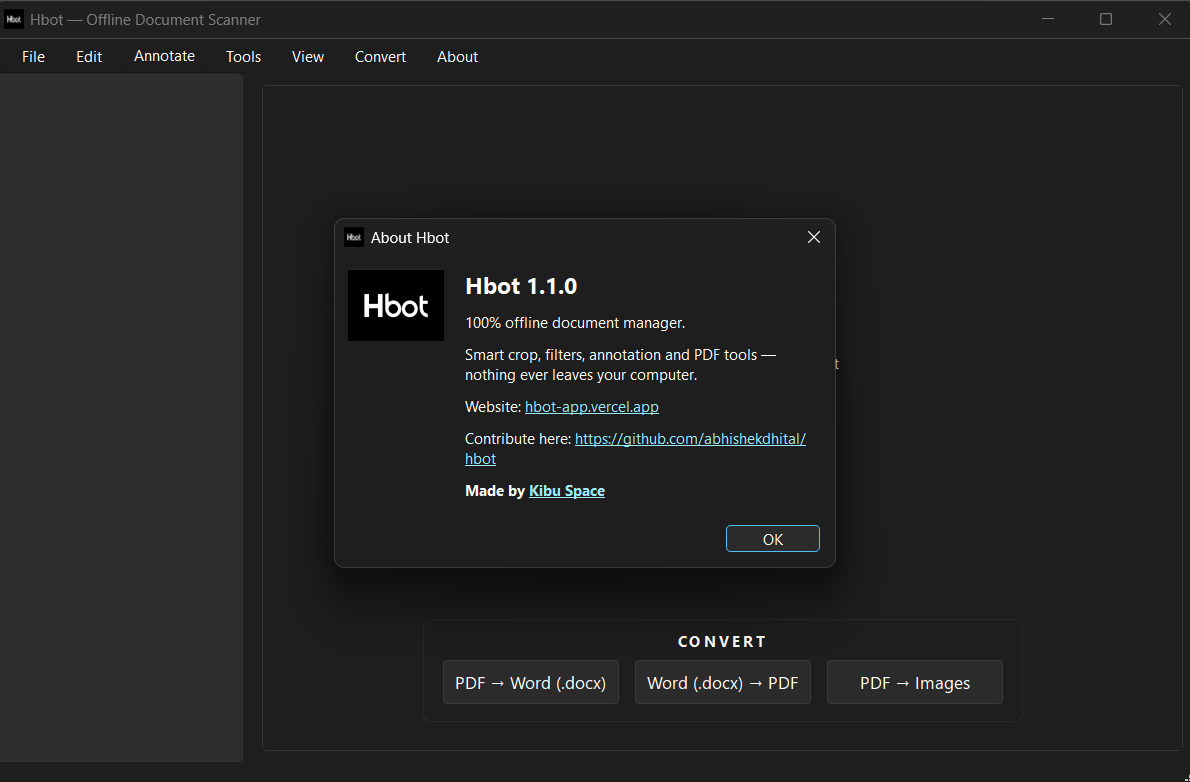
Hbot is a 100% free, 100% offline desktop app for scanning, enhancing, and managing documents. Like CamScanner, but nothing ever leaves your computer.
Version 1.1.0 — see what's new
100% free. 100% offline. Nothing leaves your computer.
Features
Scan & Capture
- Smart Crop — auto-detects edges and flattens perspective
- Webcam auto-capture — holds steady, snaps, re-arms when you turn the page
- Book mode — splits two-page spreads at the gutter
Enhance & Edit
- Magic Color, Remove Shadows, Black & White, Grayscale, Denoise
- Brightness, contrast, rotate, drag-to-adjust corners
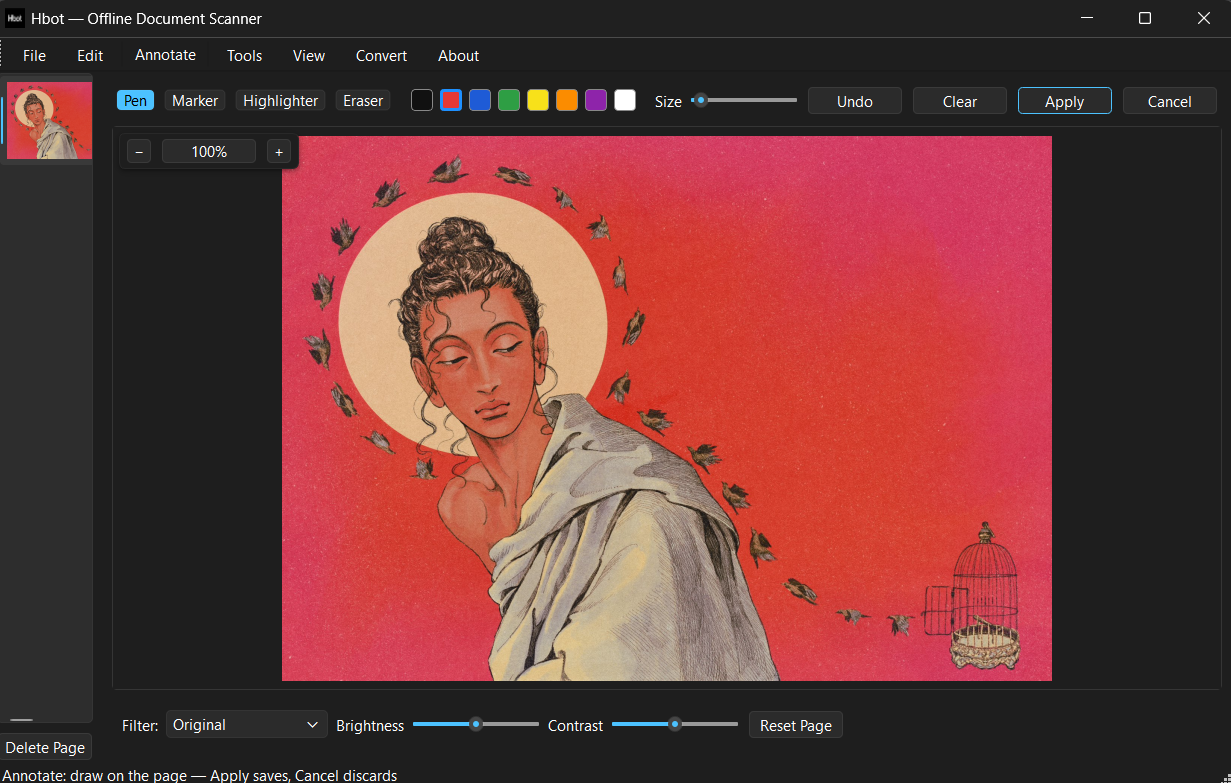
- Annotate in the main window — pen, marker, highlighter, eraser
- Undo / Redo per page (Ctrl+Z / Ctrl+Y)
- Blur region, tiled watermark
Sign & Compress
- Draw your signature or stamp a transparent PNG, then drag to place
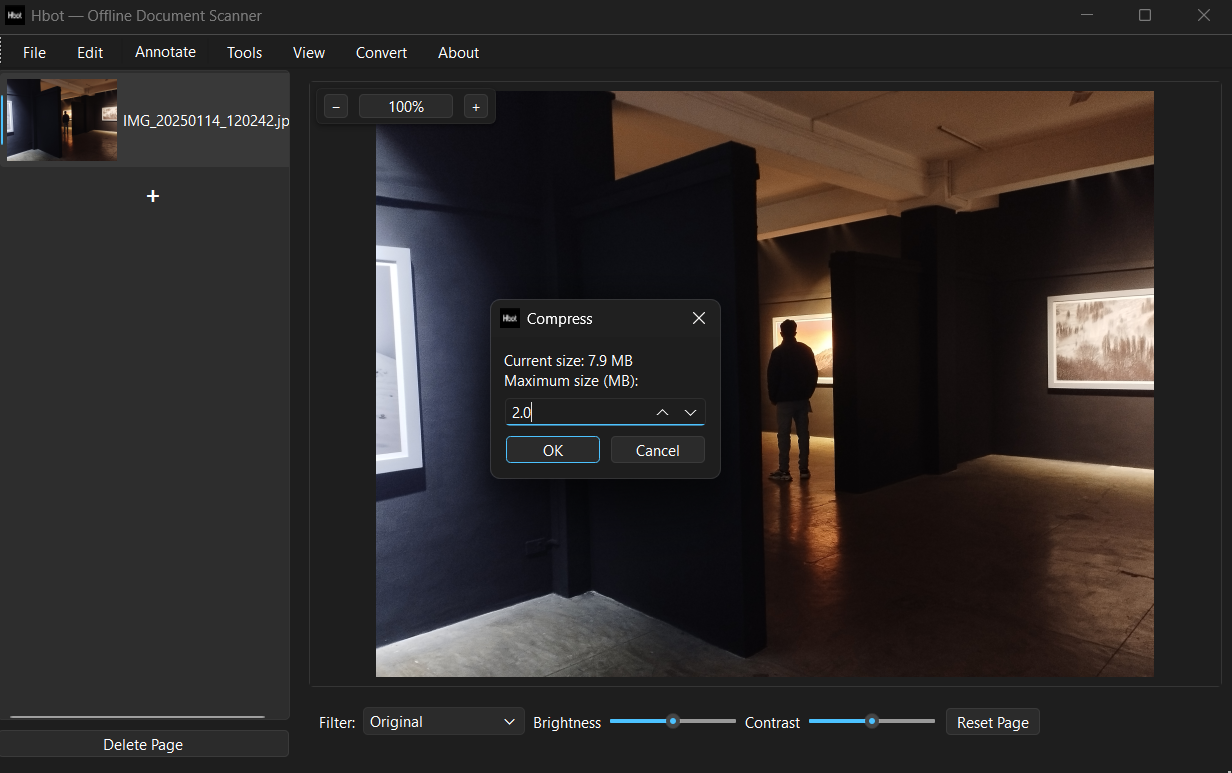
- Compress PDF or image down to a maximum size you pick
- Keeps text selectable when possible — rasterizes only as a last resort
Convert & Manage
- Images → PDF, PDF → Images, PDF → Word, Word → PDF
- Handles large PDFs (15–20 MB+) with adaptive rendering
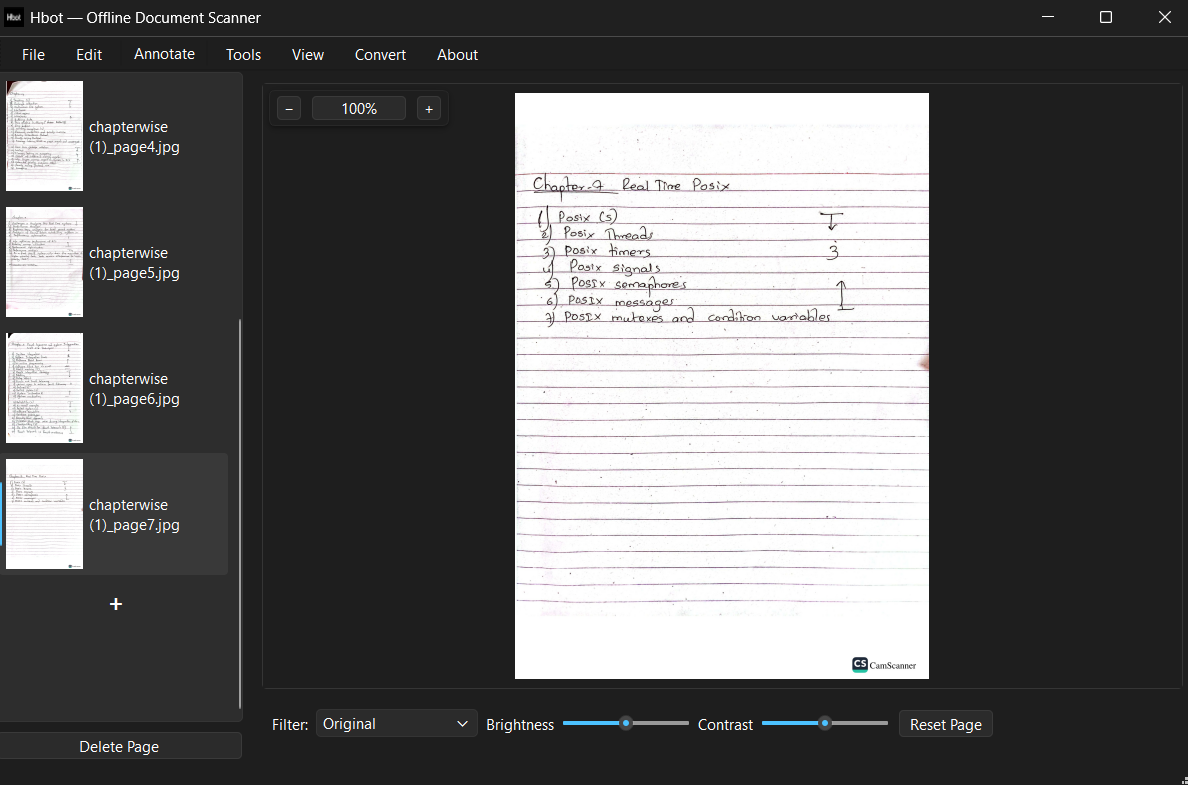
- PowerPoint-style page list — drag to reorder, cut / copy / paste / delete
- Merge, split, AES-256 password protection
- Automatic update check — one-click download & install
Setup (Windows)
Install Python 3.10+ from python.org and tick “Add to PATH”.
Optional: for Word ↔ PDF conversion, have Microsoft Word or LibreOffice installed — Hbot uses whichever is available.
pip install -r requirements.txt
python -m hbot.app
Screenshots